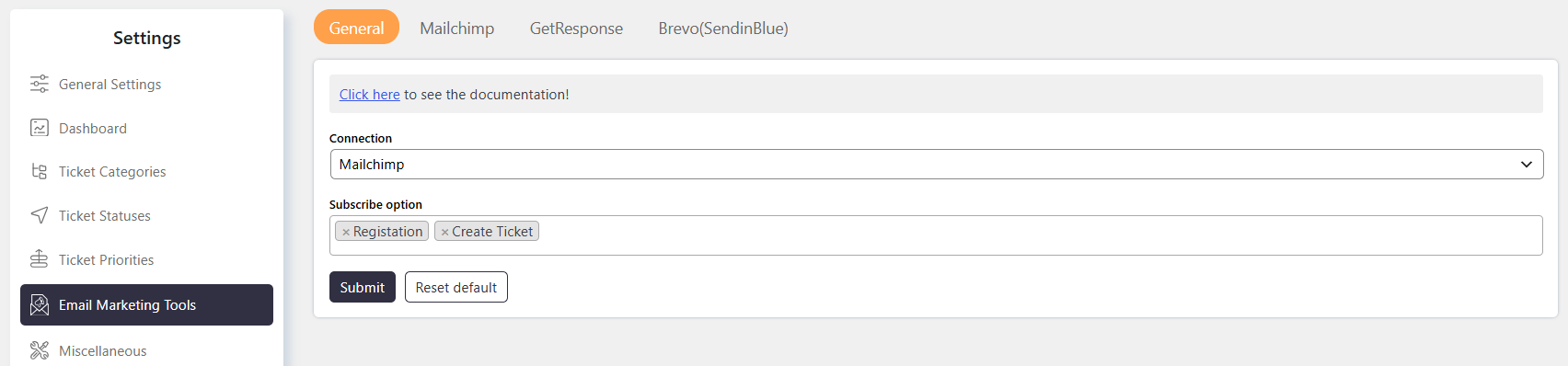
The Email Marketing Tool Integration allows you to subscribe SupportCandy users to email marketing lists. You can connect SupportCandy with supported email marketing platforms such as MailChimp, GetResponse, and Brevo (SendinBlue).
Where to Find
Go to: Support → Settings → Email Marketing Tool → General
Connection
The Connection setting allows you to select the email marketing platform used with SupportCandy. Select one of the supported platforms:
MailChimp
GetResponse
Brevo (SendinBlue)
Configure the required connection details for the selected platform.
Subscription Options
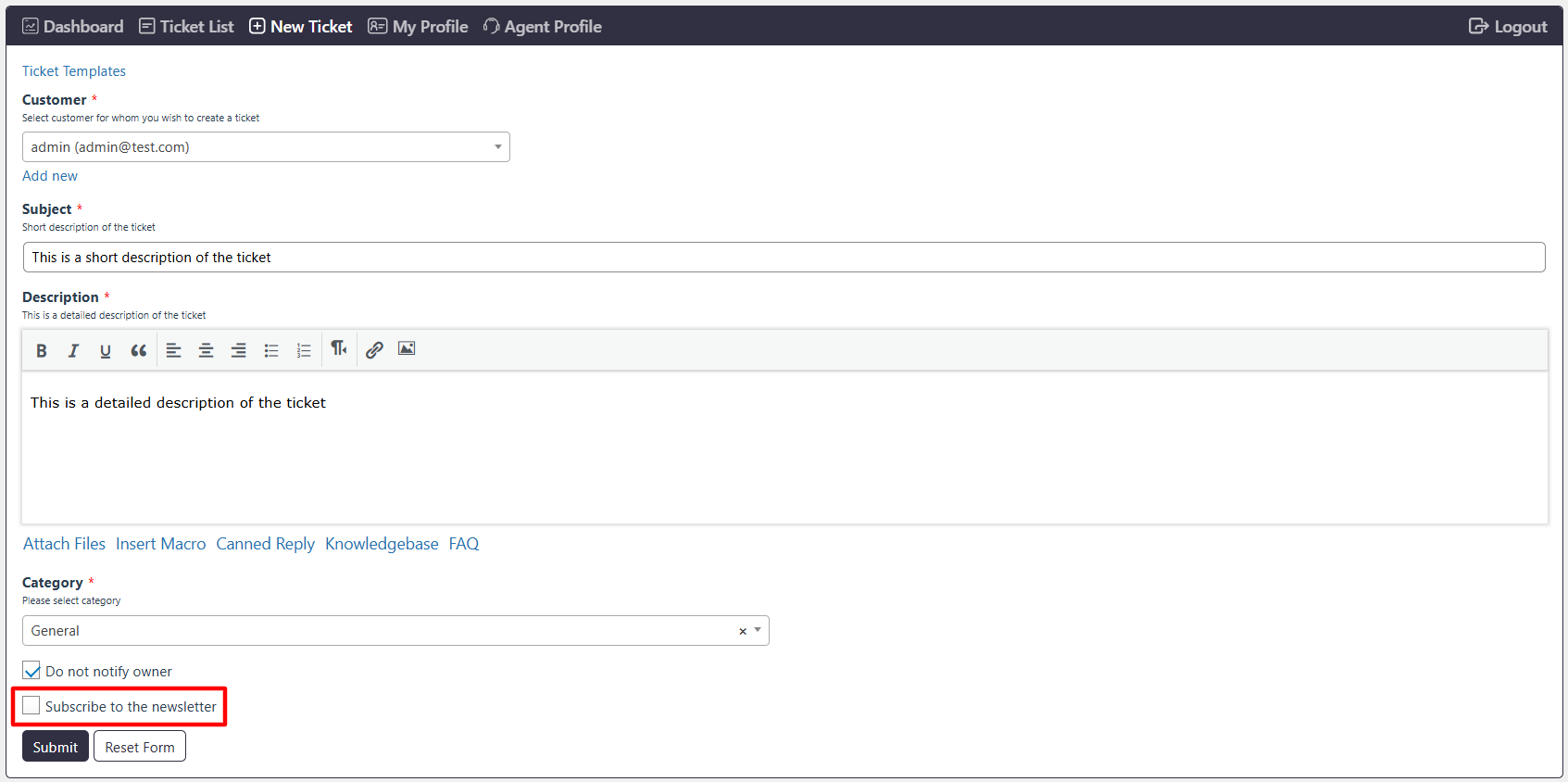
The Subscription Options setting controls where customers can subscribe to your email marketing list. You can display the subscription option on:
Registration Page — Displays the subscription option when a user registers.
Create New Ticket Page — Displays the subscription option when a customer creates a ticket.
Both — Displays the subscription option on both pages.
Select the required option based on where you want customers to subscribe.