
Overview
Ticket list filter items define the fields available in custom filters on the ticket list. These filters help agents and customers quickly narrow down tickets based on specific criteria.
There are separate configurations for:
- Agent view
- Customer view
Where to Find
You can configure filter items from:
- Support → Ticket List → Agent ticket list → Filter items
- Support → Ticket List → Customer ticket list → Filter items
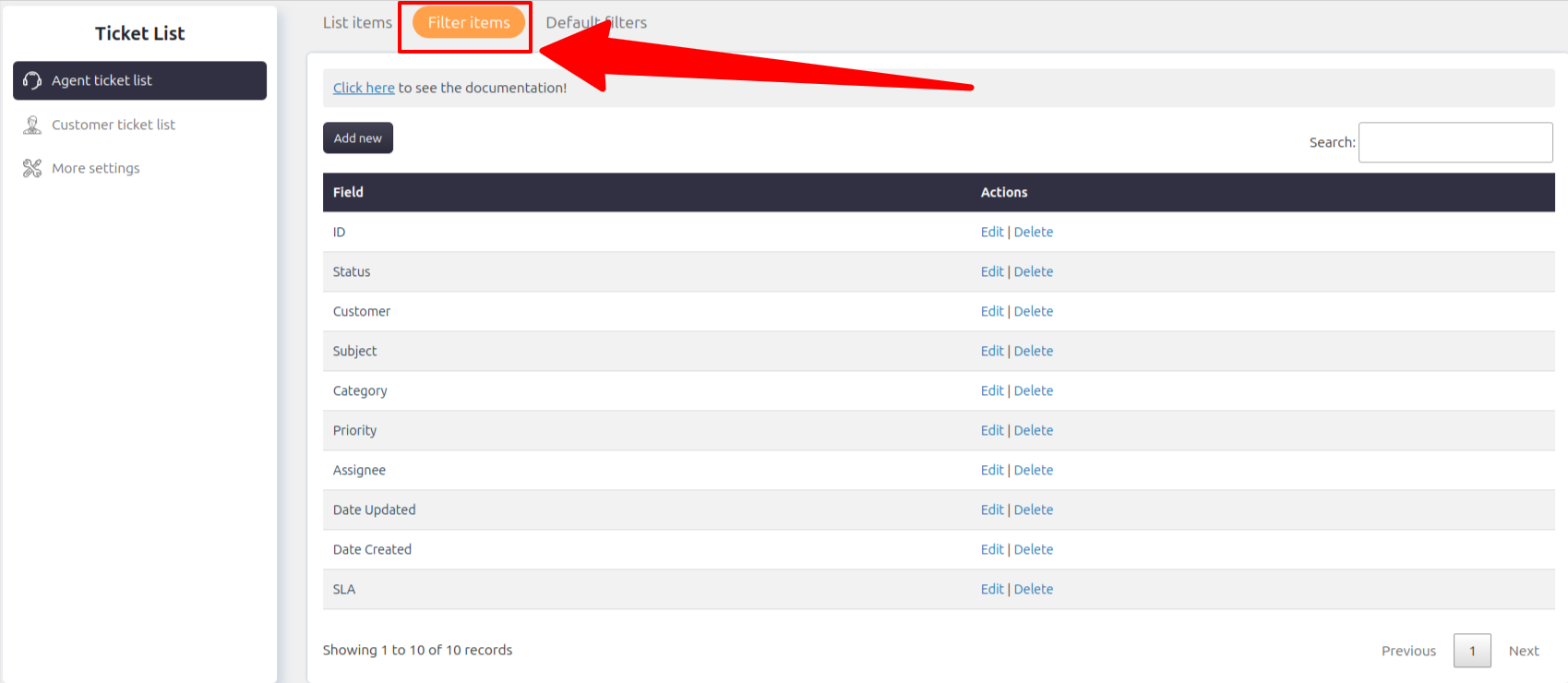
Adding Fields to Filters
You can include different types of fields in ticket list filters:
- Ticket fields
- Agent-only fields
- Customer fields
This allows you to create flexible and powerful custom filters.
Notes / Tips
- Agent and customer filter items can be configured independently
- Only added fields will be available in custom filters
- Use relevant fields to keep filters simple and effective