
Overview
Ticket list items are the columns (fields) displayed in the ticket list. These help agents and customers quickly view important ticket information.
There are separate configurations for:
- Agent view
- Customer view
Where to Find
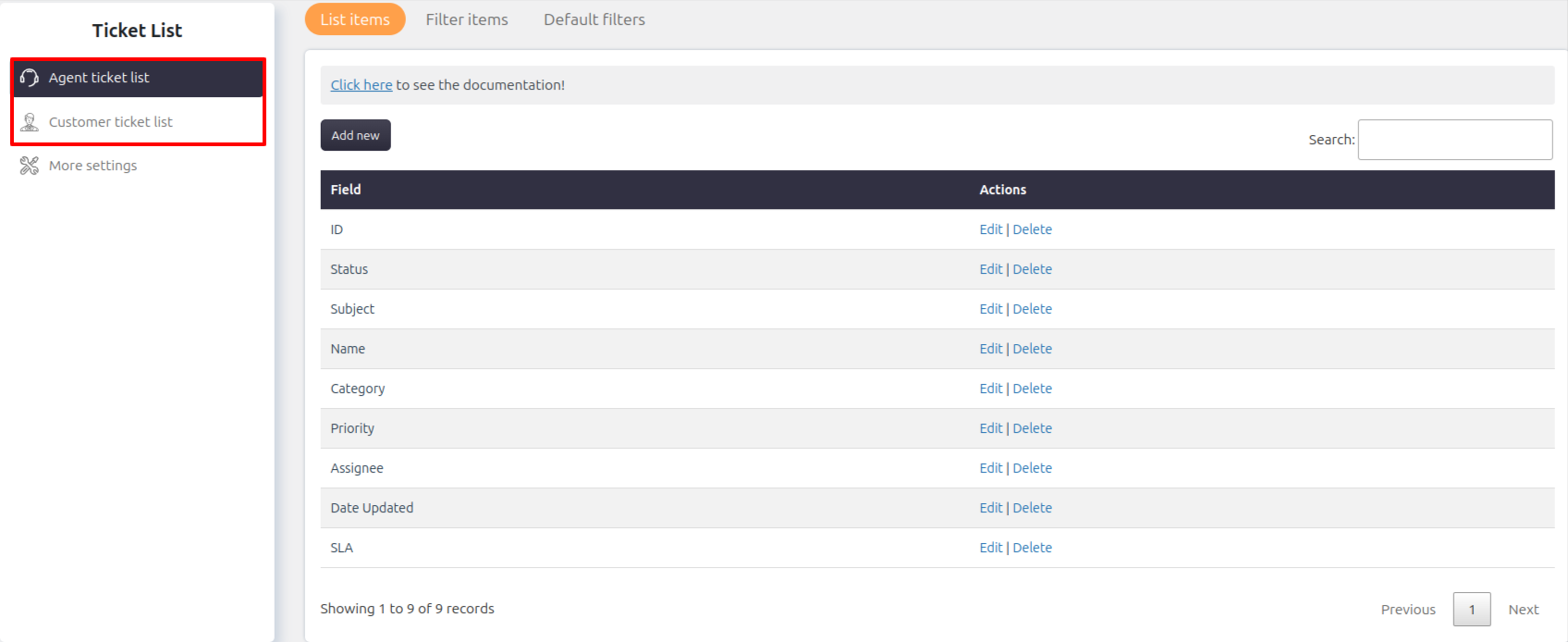
You can configure list items from:
- Support → Ticket List → Agent ticket list → List items
- Support → Ticket List → Customer ticket list → List items
Adding Fields to Ticket List
You can add different types of fields as list items:
- Ticket fields
- Agent-only fields
- Customer fields
This allows you to customize what information appears in the ticket list.
Column Width Settings
You can control the width of each column in the ticket list.
How to Set Column Width
- Go to the field settings:
- Ticket fields
- Agent-only fields
- Customer fields
- Edit the required field
- Set the desired column width
- Save changes
The updated width will be reflected in the ticket list.
Notes / Tips
- Agent and customer ticket lists can be configured independently
- Adding too many fields may affect readability
- Use only essential fields for better usability