Overview
Other Reports allow you to generate reports based on selected Ticket fields. You can generate reports for supported custom fields, as well as Category, Priority, Rating, and SLA.
Supported Custom Fields
Reports can be generated for custom fields with the following field types:
- Single select
- Multiple select
- Checkbox
- Radio button
Supported Fields
You can also generate reports for the following fields:
- Category
- Priority
- Rating
- SLA
Add Custom Fields for Reports
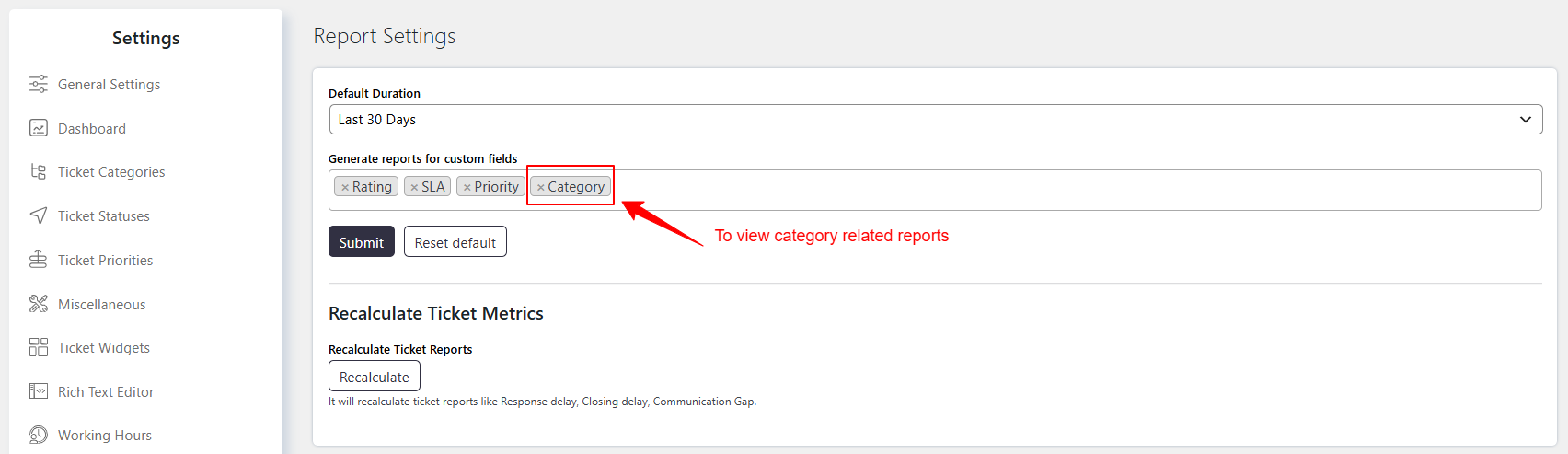
To add a custom field for reporting, go to Support → Settings → Reports → Generate reports for custom fields.
Select the custom fields for which you want to generate reports.
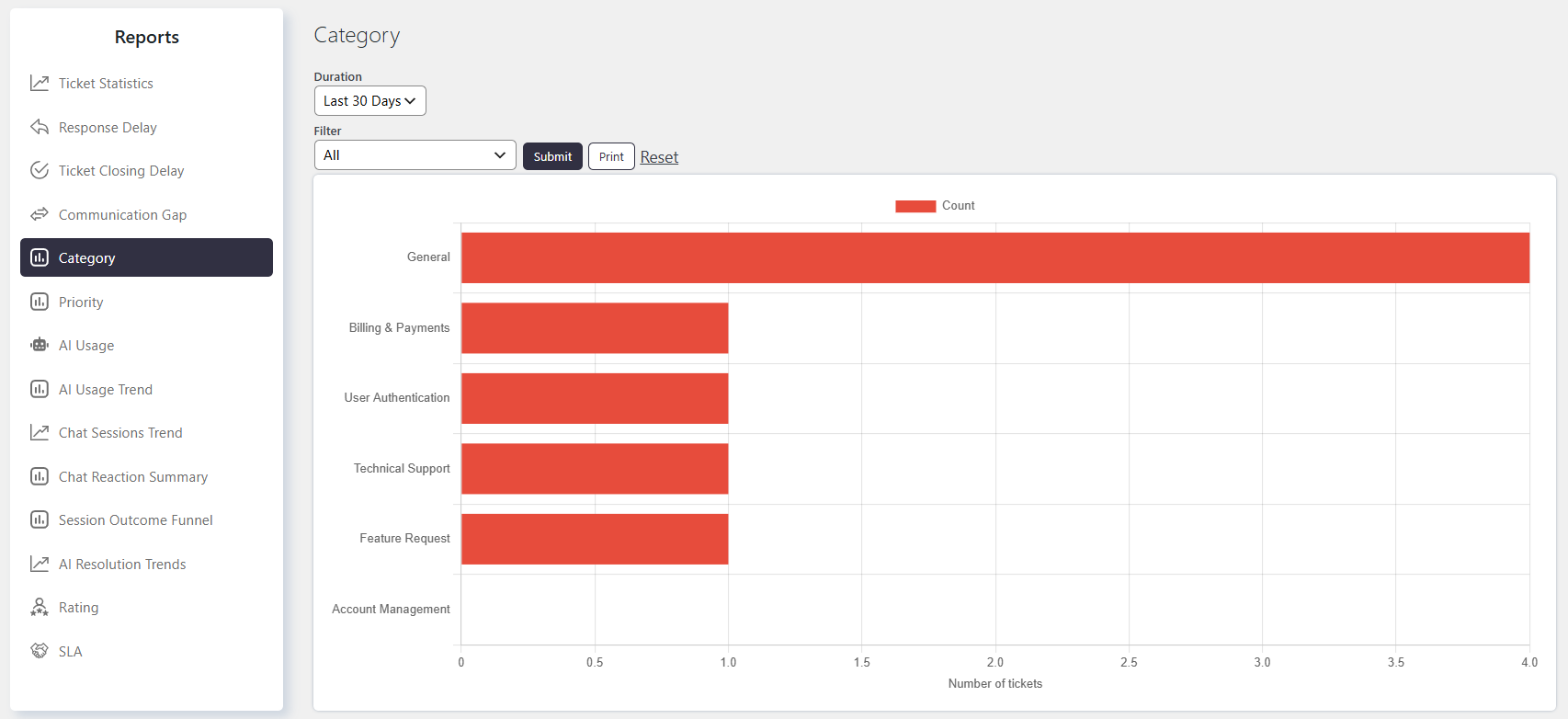
The generated reports for the selected custom fields are available at Support → Reports.
Report Duration
You can select a predefined duration to generate the report, such as Last 30 days, This week, Last quarter, and other available periods.
You can also select custom dates to generate the report for specific days.
Custom Filter
Use the Custom Filter to generate a report for Tickets that match specific conditions.
You can filter Tickets using Category, Priority, Status, and other custom fields or default fields. The Custom Filter allows you to add multiple conditions based on Ticket fields.