
Overview
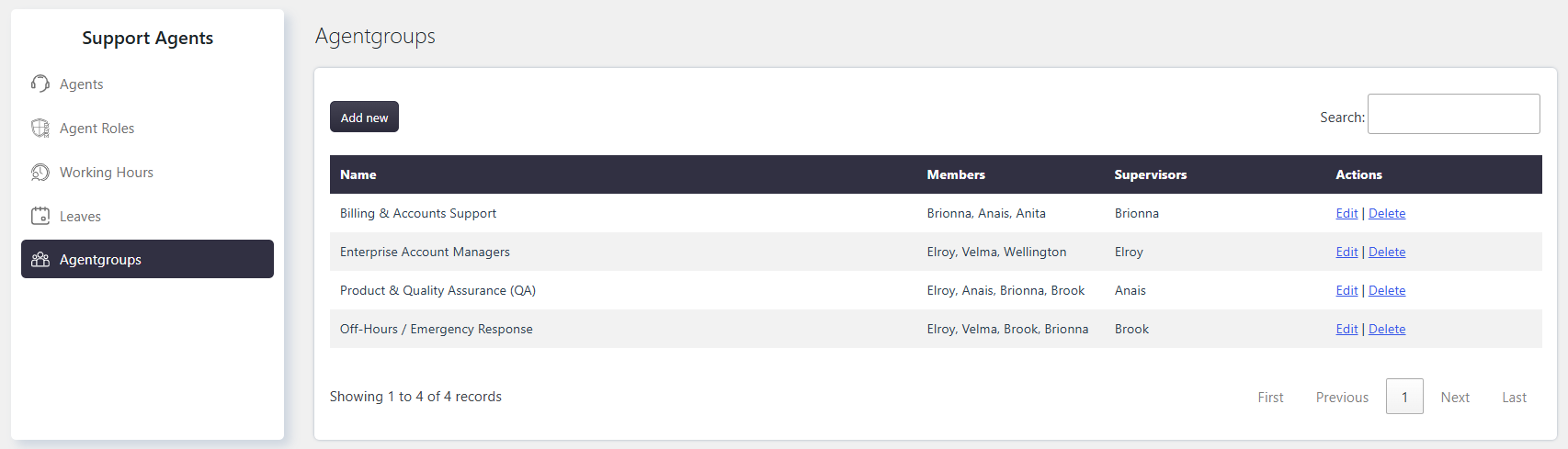
An Agentgroup is a group of Support Agents that can be organized as a team based on categories, departments, or other criteria. You can assign one or more Supervisors to an Agentgroup. Supervisors are group members with additional capabilities.
Where to Find
Go to Support → Support Agents → Agentgroups.
How It Works
Agentgroups help organize Support Agents and control how Tickets assigned to the group are handled.
When a Ticket is assigned to an Agentgroup:
- Supervisors can view the Ticket.
- Supervisors can assign the Ticket to one of the group members.
- Group members cannot view Tickets assigned to the Agentgroup until a Supervisor assigns the Ticket to them.
- Group members cannot view Tickets assigned to other group members.
Assigning ticket to the agentgroup
When a Ticket is assigned to an Agentgroup, the group Supervisors can view the Ticket and assign it to an Agentgroup member.
Tickets assigned to the Agentgroup are not visible to regular group members until a Supervisor assigns them to a specific member. Once assigned, the Ticket is visible to that member, while other group members cannot view it.
Email Notifications
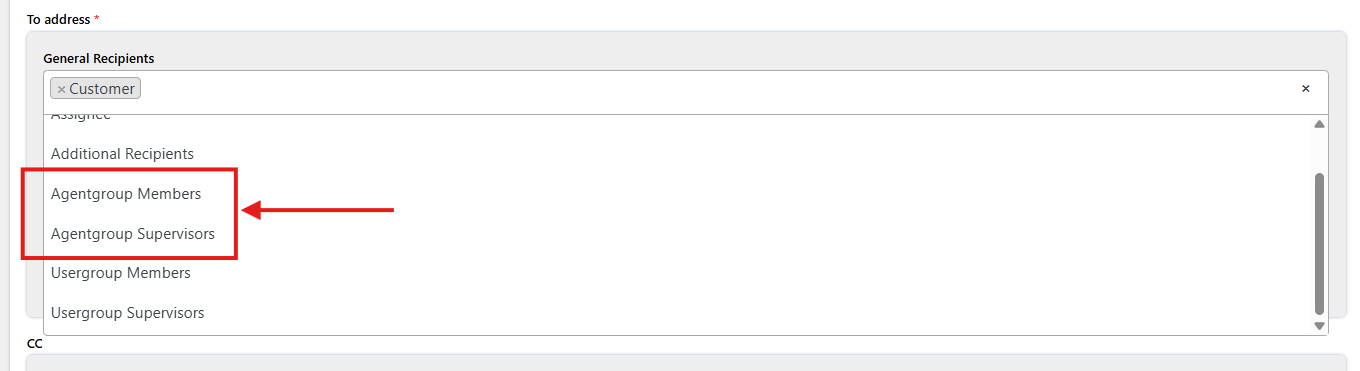
When an Agentgroup is assigned to a Ticket, you can configure email notifications to be sent to agentgroup members or agentgroup supervisors.
These recipients can be selected when configuring email notifications for Ticket events.
Example
You can create an Agentgroup for a specific department, such as a Technical Support team. Supervisors can receive Tickets assigned to the group and distribute them to the appropriate group members.
Notes / Tips
- An Agentgroup can contain one or more Support Agents.
- One or more group members can be appointed as Supervisors.
- Supervisors have additional capabilities within the Agentgroup.
- Group members can only view Tickets assigned directly to them.