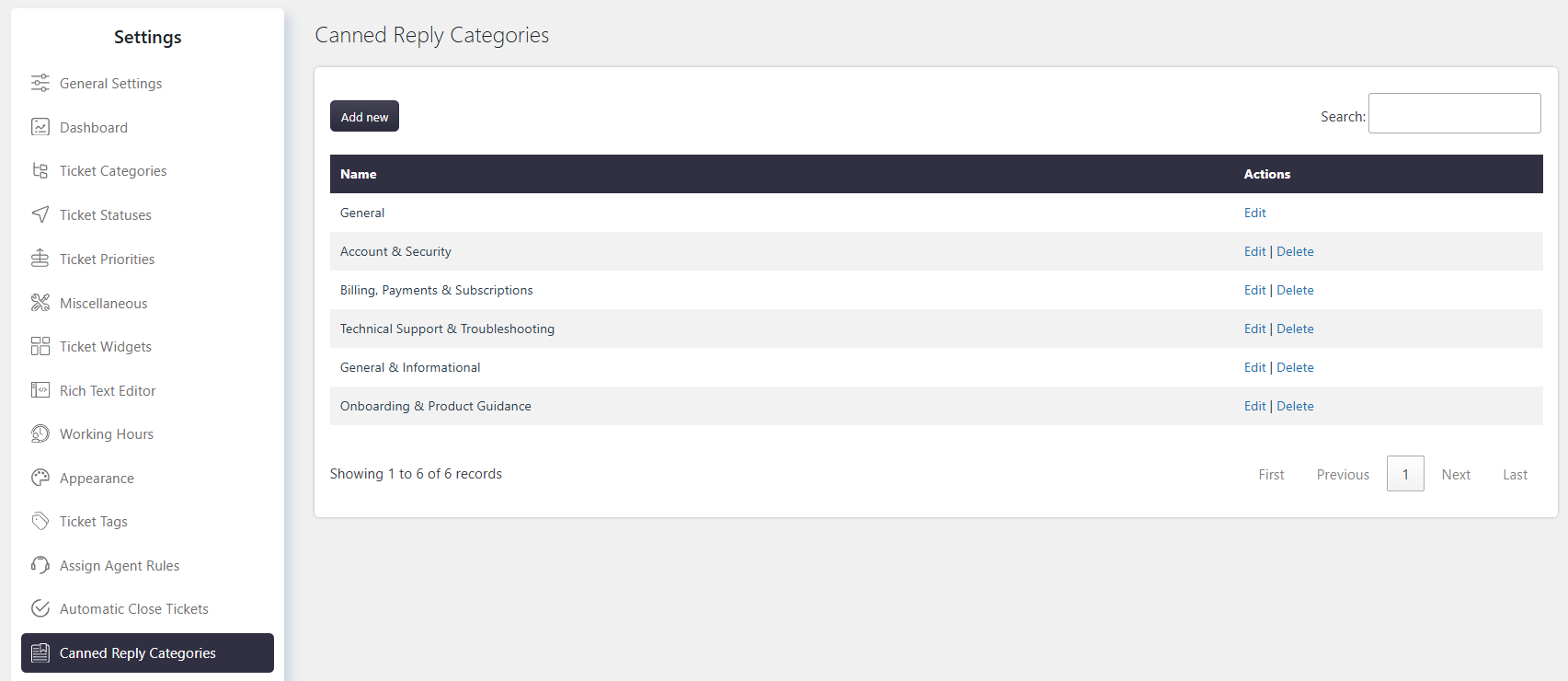
Canned reply categories help you organize reusable replies into groups. You can create unlimited categories and use them to filter canned replies for faster access.
Where to Find
Go to Support → Settings → Canned Reply → Categories.
How It Works
Create categories based on common topics or support requirements. When using canned replies, categories help you quickly find the required response.
Step-by-Step Guide
Go to Support → Settings → Canned Reply → Categories.
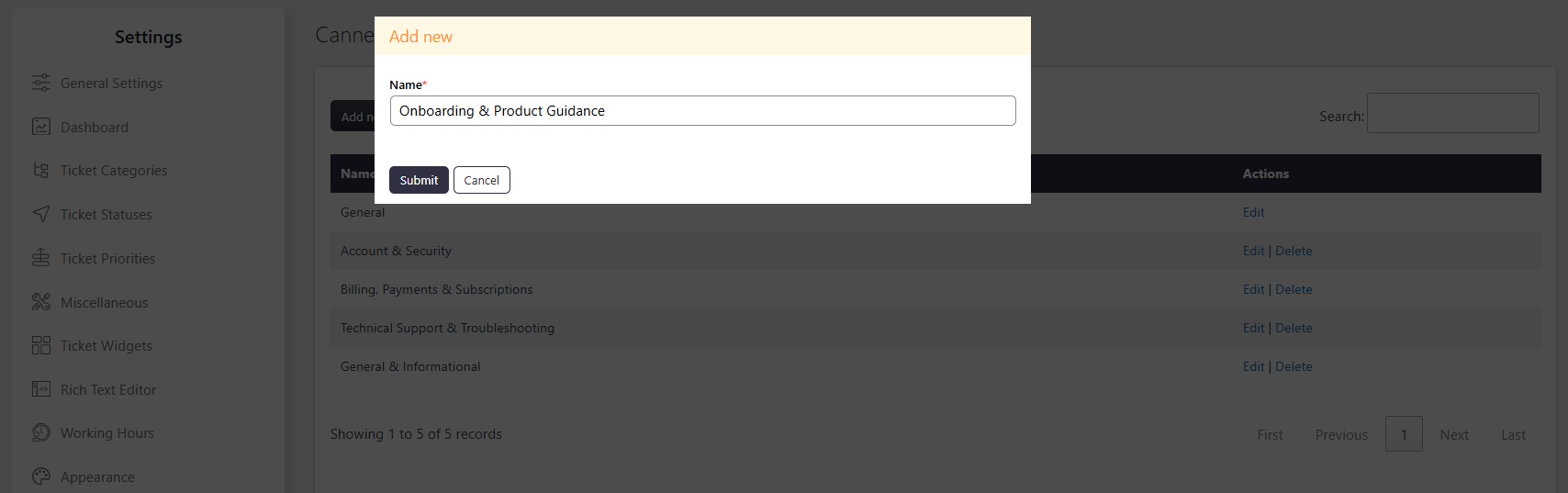
Click Add New to create a category.
Enter a suitable category name.
Save the category.
Assign the category to canned replies as needed.
Example
You can create categories such as Billing, Technical Support, and General Queries to organize related canned replies.
Notes / Tips
Create clear and meaningful category names.
Use categories to group related canned replies.
Categories make it easier to filter and find frequently used replies.